
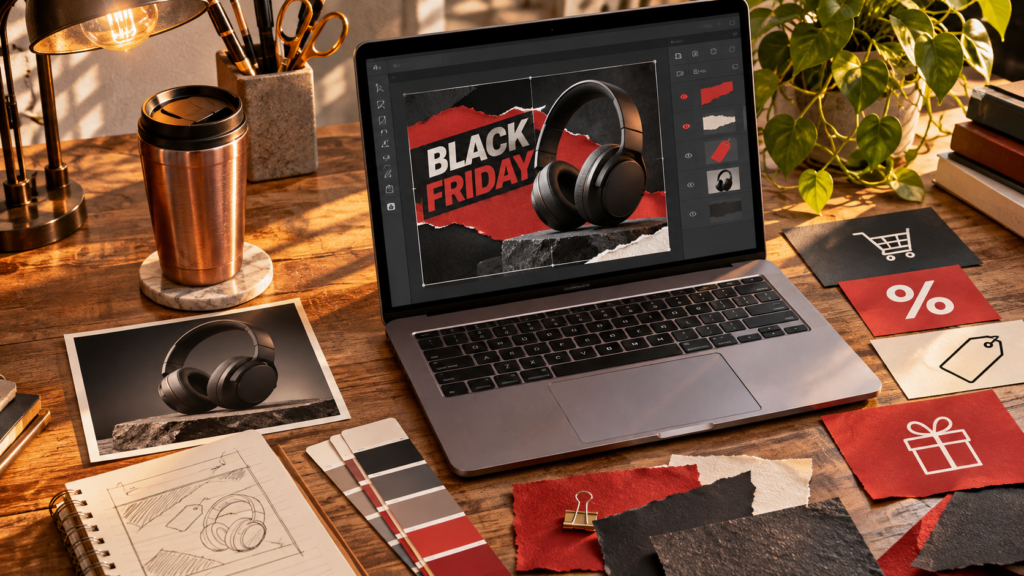
A shopper sees your Black Friday graphic on a phone while waiting in line. Can they tell which item is on offer, what they will pay and when the offer ends? Start with those facts. Use AI for layouts or background ideas, then place your real product, prices and terms by hand.
Pick a graphic for the question the shopper is asking
The twenty ideas below are grouped by the decision each design helps someone make. A small shop can build a campaign from one idea in each group.
What is on sale?
- 1. Hero product poster. Let a single item fill the frame and set the offer beside it.
- 2. Collection strip. Line up three qualifying items against one quiet background.
- 3. Colour selector. Show only the shades included in the promotion.
- 4. Shelf finder. For a local shop, show the display customers should look for in person.
- 5. Reveal carousel. Start with a close-up and reveal the complete product on slide two.
What exactly do I get?
- 6. Open-box layout. Label every included item in a photograph of the actual bundle.
- 7. Size comparison. Use real side-by-side photos to distinguish two sizes.
- 8. Gift-pair card. Show which two pieces are sold together and their combined price.
- 9. Detail crop. Enlarge a seam, clasp or finish that distinguishes the item.
- 10. Variant grid. Put the size and price below each photo so the relationship is clear.
Is this right for me?
- 11. Recipient guide. Group gifts by a specific interest such as weekend baking.
- 12. Budget row. Arrange three verified options by actual selling price.
- 13. Desk scene. Show the product in its intended setting with an accurate sense of scale.
- 14. Choice card. Compare the travel and home versions using one difference that matters.
- 15. FAQ slide. Answer the most common question about eligibility or returns using the store policy.
How do I buy it?
- 16. Pickup card. Pair an image of the shop with the confirmed pickup window.
- 17. Code card. Give the discount one slide to itself and show where the code is entered.
- 18. Deadline card. State the confirmed end date, time and time zone.
- 19. Checkout walkthrough. Show how to select the qualifying variant before checkout.
- 20. Final reminder. Repeat the product, current offer and one direct shopping link.
Create one reusable background
“Design an empty charcoal tabletop with a narrow warm reflection on the right for [product]. Keep the left third clear for a large price. Match the direction of light in my supplied product photo. Leave all wording, numbers, logos and sale labels out.” Add the original product and typeset the offer yourself. If the price is easier to see than the product name, give the name more space.
Four prompts to turn the ideas into a campaign
Choose one layout from each group and use the same product cutout, colour palette and type system across all four. Replace the bracketed details before generating. Keep offer copy, prices and checkout instructions in your design editor so you can update all the graphics from one approved brief.
Hero product poster
Create a 4:5 background for a Black Friday hero graphic for [product]. Use [brand colour] as the dominant tone and match the [direction and softness] of the light in my product photo. Keep the right half clear for the product cutout and the upper left clear for a headline and price. Add a soft ground shadow beneath the product zone. Leave out products, words, numbers and logos.Bundle or variant grid
Create a quiet 4:5 presentation board for three real photos of [variants or included items]. Use three equally sized empty zones with the same background and viewing scale. Reserve a clear strip below each zone for a product label and confirmed price. Use a thin border in [brand colour]. Include no example products or placeholder lettering.Buyer-question carousel
Plan a three-slide carousel for [verified offer] and [shopper question]. Slide 1 asks the question in eight words or fewer. Slide 2 shows [real photo or proof]. Slide 3 tells readers which variant to choose and where to buy. Return the exact copy for each slide and one suggested crop. Mark any missing detail [VERIFY].Deadline or pickup card
Design an empty 4:5 layout with a large space for [verified deadline or pickup window], a smaller space for [location or time zone] and a clear area for one next step. Use the same palette and spacing as the hero graphic. Keep the background quiet and leave all text and numbers for my editor.Example campaign for a ceramics shop: a hero mug poster announces the offer, a three-colour grid explains which mugs qualify, an open-box slide clarifies whether there is gift packaging, and a pickup card answers when a local buyer can collect it. Test each card at phone size with a five-second glance. A reader should be able to tell what is offered and what to do next.
Check the offer from graphic to checkout
Open the link from a phone, select the pictured variant and check the price, terms and end time against the approved promotion. Skip any crossed-out price or scarcity claim you cannot substantiate. For help tightening the one line a shopper will read first, use our static ad headline guide.
Frequently asked questions
What information belongs on a Black Friday graphic?
Show the pictured product, the verified offer and the next step. Add the deadline or eligibility detail when it affects the purchase, and check that the linked product page matches the graphic.
Which parts of a sale graphic should I make in my design editor?
Add prices, discount codes, product names and terms in the editor using the approved offer. Use AI for layout ideas or backgrounds, where a stray character has less chance of misleading a shopper.